BPI Cash Deposits and Withdrawals at Robinsons Easymart
Running errands has never been more convenient! At Robinsons Easymart, you can now take care of your grocery shopping and select banking transactions through our partnership with BPI.
June 18, 2026
Share:
Deposit to Your BPI Account at Robinsons Easymart
Need to add funds to your BPI account? Simply generate a barcode through the BPI app at any Robinsons Easymart store to complete your transaction.
How to Generate a Deposit Barcode
- Log in to your BPI app.
- Tap More and select Partner Store Transactions.
- Tap Let's Start.
- Choose Deposit.
- Enter your transaction details.
- Review the details and agree to the Terms and Conditions.
- Tap Confirm to generate your barcode.
Present the barcode at a participating Robinsons Easymart store, and the cashier will assist you with your deposit transaction.
Withdraw Cash from Your BPI Account at Robinsons Easymart
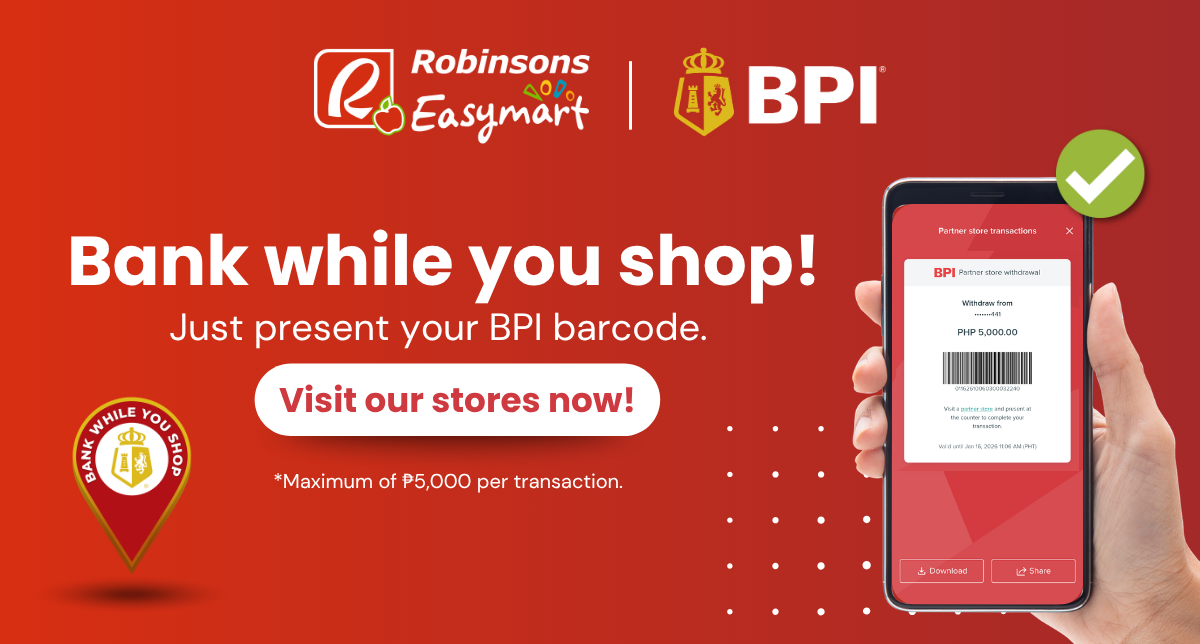
Need cash? Withdraw from your BPI account without an ATM card by generating a withdrawal barcode in the BPI app.
How to Generate a Withdrawal Barcode
- Log in to your BPI app.
- Tap More and select Partner Store Transactions.
- Tap Let's Start.
- Choose Withdraw.
- Choose the BPI account you want to withdraw from.
- Enter your desired withdrawal amount.
- Review the details and agree to the Terms and Conditions.
- Tap Confirm to generate your barcode.
Complete Your Transaction
- Visit any Robinsons Easymart store.
- Approach the cashier and inform them that you have a BPI partner-store transaction.
- Present your generated barcode for scanning.
- Once the transaction is successfully processed, keep your transaction receipt for reference.
BPI Partner Store Transaction Details
Here are some important things to know about BPI partner-store transactions at Robinsons Easymart:
- Withdraw cash without an ATM card.
- Enjoy FREE deposit and withdrawal transactions.
- Withdraw up to ?5,000 per transaction.
- Eligible customers may withdraw up to five times per day, subject to applicable limits.
Share: